TaskApps.info
All facts. No ads
Browse features Compare apps New features research Sign in
Home » Habitica
Habitica logo

Habitica

Launched 2013
28 features found available
Home page iOS App Store Android Play Store

In their words

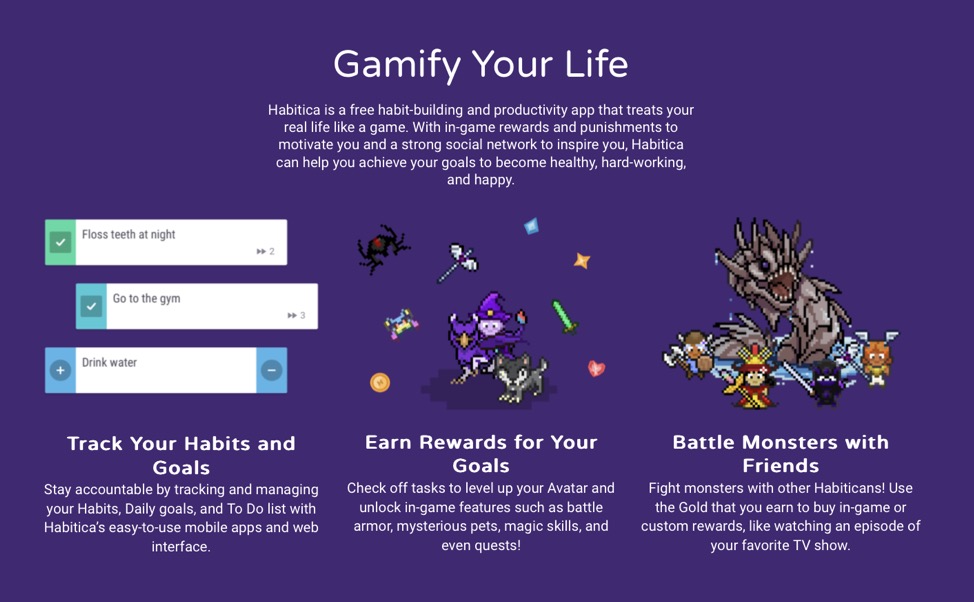
Gamify Your Life. Habitica is a free habit-building and productivity app that treats your real life like a game. With in-game rewards and punishments to motivate you and a strong social network to inspire you, Habitica can help you achieve your goals to become healthy, hard-working, and happy.   Read more

Pricing

Our most recent pricing details for Habitica:

Free to start with various in-app purchases
Read moreView screenshotReport a mistake
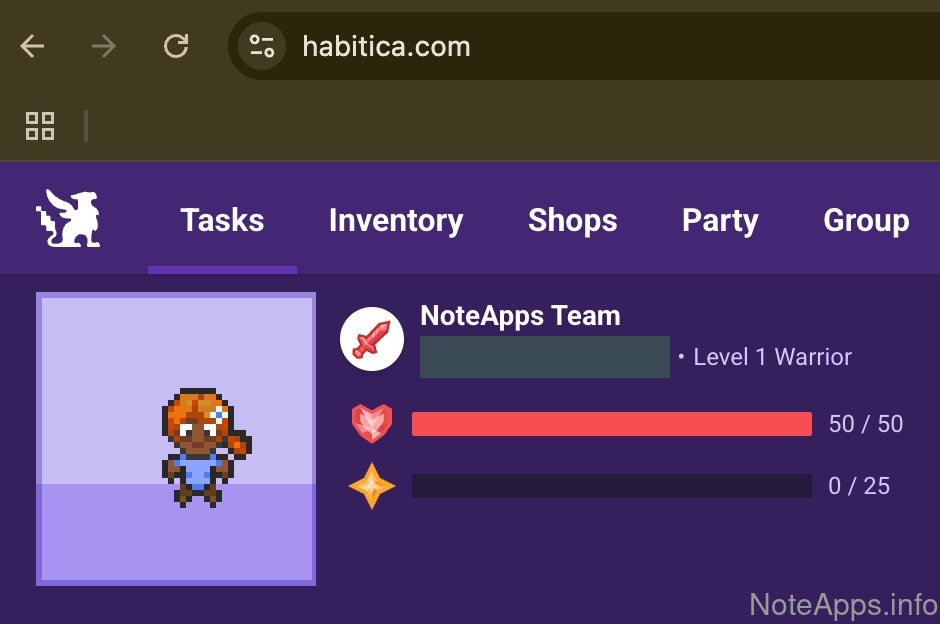
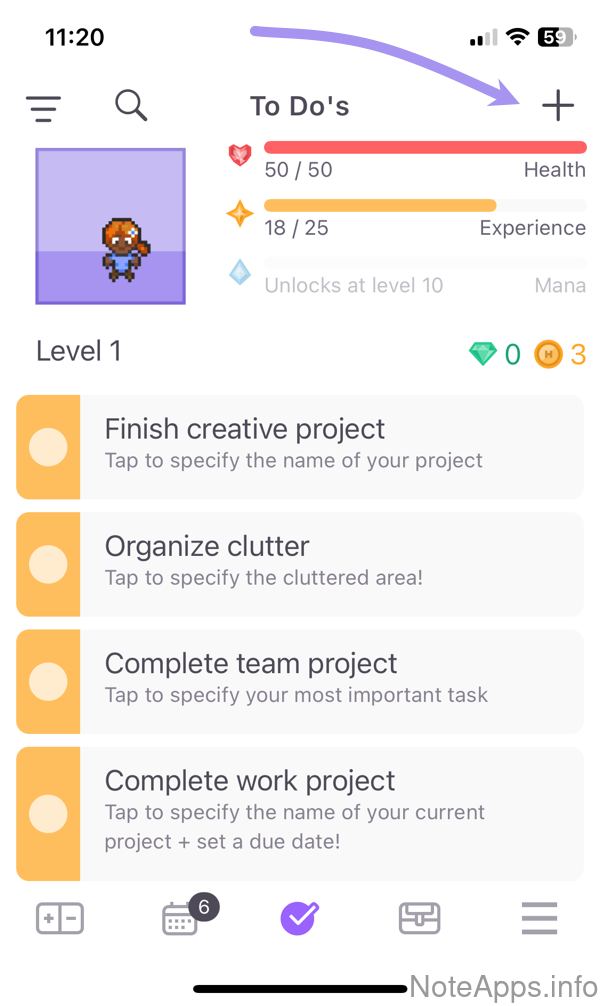
Habitica app screenshot

Reviews of Habitica

Sign in to share your own review of Habitica.

No reviews yet — be the first to review Habitica!
Jump to a feature group

  • Appearance
  • Artificial Intelligence (AI)
  • Calendar
  • Capture
  • Completed
  • Encryption & Security
  • Formatting Supported
  • Integrations/Extensibility
  • Mobile & Tablet
  • Platforms
  • Prioritization
  • Recurrence
  • Scheduling
  • Search/Navigation
  • Sharing/Collaboration
Platforms
Login Providers
Compare
Appearance
Compare to others
Features pertaining to how the app comports itself visually
Columns of todo lists visible
Through Kanban view, multi-pane layout, etc, it's possible to interact with an unbounded number of side-by-side todo lists inside one app frame
Configurable landing page
User can customize which layout elements are shown post-login
Persistent sidebar available
Desktop app allows opening a side pane that keeps a list visible while navigating in main frame
Progressive completion animations
When more important tasks are checked off, progressively more lavish animations are used
Artificial Intelligence (AI)
Compare to others
AI integrations offered by the app or a first-party plugin
AI writing assistant
Can suggest how to revise/rewrite selected text using AI
AI-powered dashboard/home screen
An app dashboard is available that uses AI to surface interesting or applicable task ideas
Anthropic integration available
Allows connecting to Anthropic-based agents (Claude Opus, Claude Sonnet, Claude Haiku) to work on tasks
Automated subject research
Agents can interpret the content of a task to generate a note full of information about the subject in the task
Cost-free access
AI features can be accessed in app without fees/charges
Frontier model access
Unlimited queries available to a documented frontier AI model. User provides their own key, or app provider bills per-use, since "unlimited" can't be fixed cost
Frontier model access =>
Claude Opus
Documented, consistently updated access to latest Opus release
Frontier model access =>
Google Gemini Pro
Documented, consistently updated access to latest Google Gemini Pro
Frontier model access =>
Grok or Grok Beta
Documented, consistently updated access to latest release of Grok
Frontier model access =>
OpenAI ChatGPT
Documented, consistently updated access to the most recent release of ChatGPT (high)
Generate an email response
Agent can use content from a todo item to generate a ready-made email (clickable link that pre-populate email or similar)
Google Gemini integration available
App offers means to connect to Gemini to research or work on tasks
New task auto-assigns project/note
After entering text for a new task, app can deduce which existing project/note is best fit to insert task into
OpenAI (ChatGPT) integration available
Allows connecting to OpenAI to progress on tasks
Palette (Searchable suggestions)
A list can be triggered that shows a collection of possible questions/tasks to ask the AI
Task suggestions
Based on note content
Text generation
A prompt can result in text being inserted into a task
Calendar
Compare to others
What functionality exists to schedule tasks to a calendar?
24-hour view
Time can be formatted as a 0-23 hour value (military time)
Android support
More than half of the calendar features on desktop are available on an Android phone
Apple Calendar export
Tasks scheduled in the app can be displayed on Apple Calendar
Apple Calendar import
Events from an Apple Calendar can be shown on in-app calendar
Calendar
An in-app calendar
Color configurable
User can control what color is associated with tasks
Completed tasks
Completed tasks can be viewed within a calendar
Configurable start-of-week day
Daily view
Tasks scheduled for a single day can be viewed within a calendar
Drag-and-drop
Tasks are presented alongside a calendar, allowing them to be dragged to the calendar
Drag-and-drop =>
Mobile Drag-and-Drop
The mobile platform allows tasks to be dragged from a list into a time on calendar
Dual event/task
User controls whether items behave as event (marked complete after scheduled time) or task (marked complete after clicked)
Google Calendar export
Tasks scheduled in the app can be published to at least one Google Calendar
Google Calendar import
Events from a Google Calendar can be shown on in-app calendar
Monthly view
Tasks scheduled by month can be viewed within a calendar
Multiple external calendars
More than one external calendar account can be connected for import and export
Outlook Calendar export
Tasks scheduled in the app can be published to show on an Outlook calendar
Outlook Calendar import
Events from an Outlook Calendar can be shown on in-app calendar
Partial week view
Calendar can present a 3-day or 4-day view of upcoming tasks
Single-click complete
Tasks shown in the calendar view can be marked as done with one click
Weekly view
Tasks for the upcoming week can be viewed within a calendar
Yearly view
Upcoming and completed tasks can be viewed for a chosen year
iOS (iPhone) support
More than half of features available on desktop calendar can be accessed on iPhones
Capture
Compare to others
What options exist for creating new tasks?
Habitica: Two or less taps to add from mobile screenshot
Two or less taps to add from mobile
When the mobile app is opened, no more than two taps are ever necessary to add a new task
In-app task creation hotkey
When using the app, there is a global shortcut key that can be pressed to add a task
System-wide hotkey
A hotkey allows entering a new note or task while in the midst of using any desktop app
Two or less taps to add from mobile =>
Images
Mobile task adding input allows an image to be attached to newly created task
Web clipper
An official plugin exists that allows a screenshot, or text, captured from web page to be inserted into a task
Completed
Compare to others
What functionality exists to understand past tasks completed?
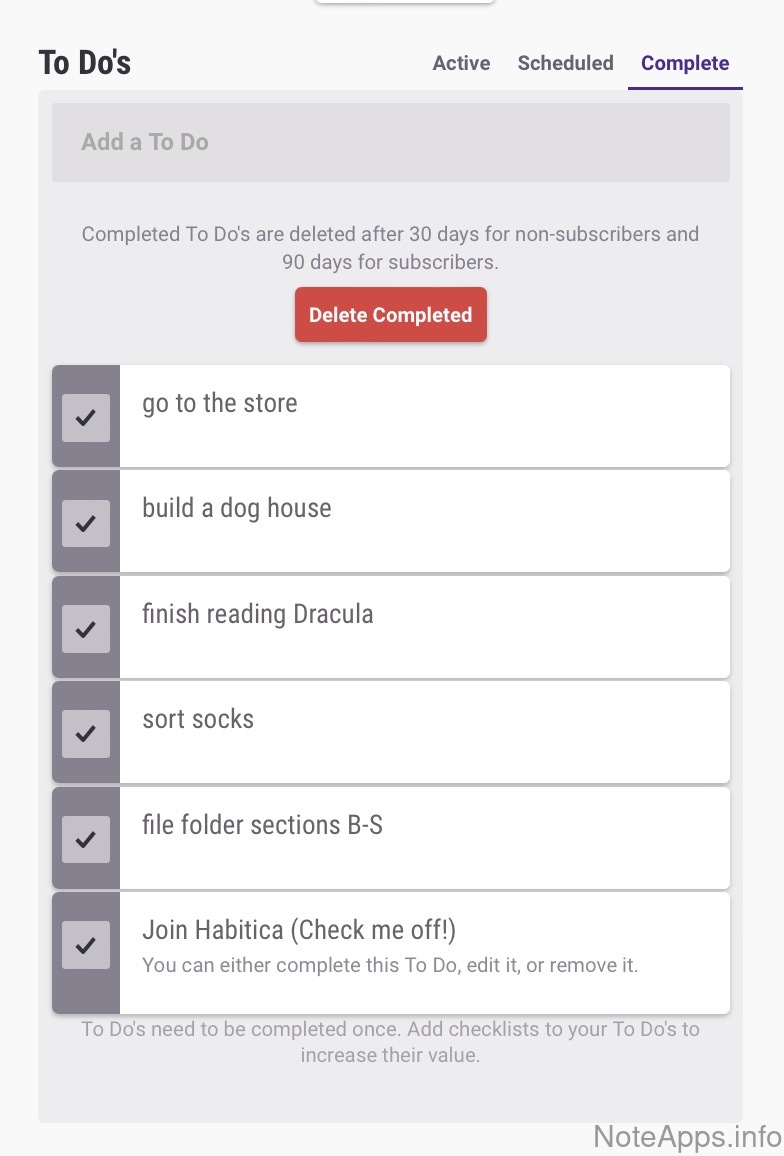
Habitica: Global completed view screenshot
Global completed view
All completed tasks over a configurable time range can be displayed
Cascading completion
When one task is completed, it can trigger the completion of other chosen tasks (not in the hierarchy of the completed task)
Global completed view =>
Breakdown by hierarchy
Time spent on completed tasks can be segmented by the organization tags/folder that had been assigned to task
Time tracking
Time used to complete a task can be tracked by starting a timer
Waiting (hidden) until complete
It's possible to hide a task until another chosen task is completed
Encryption & Security
Compare to others
What measures are taken to ensure customer data remains private, even to employees of the companies themselves?
2FA available
Can enable two-factor authentication from within the app (not only via third parties) to protect account access
Client-side encryption
AKA “end-to-end encryption,” data can be encrypted on the user’s device before transmission, ensuring the decryption key remains inaccessible to the task app provider
Server-side encryption
A documented claim that all note data is encrypted "at rest" on the server
Formatting Supported
Compare to others
What core functionality does the app offer for structuring and formatting task content?
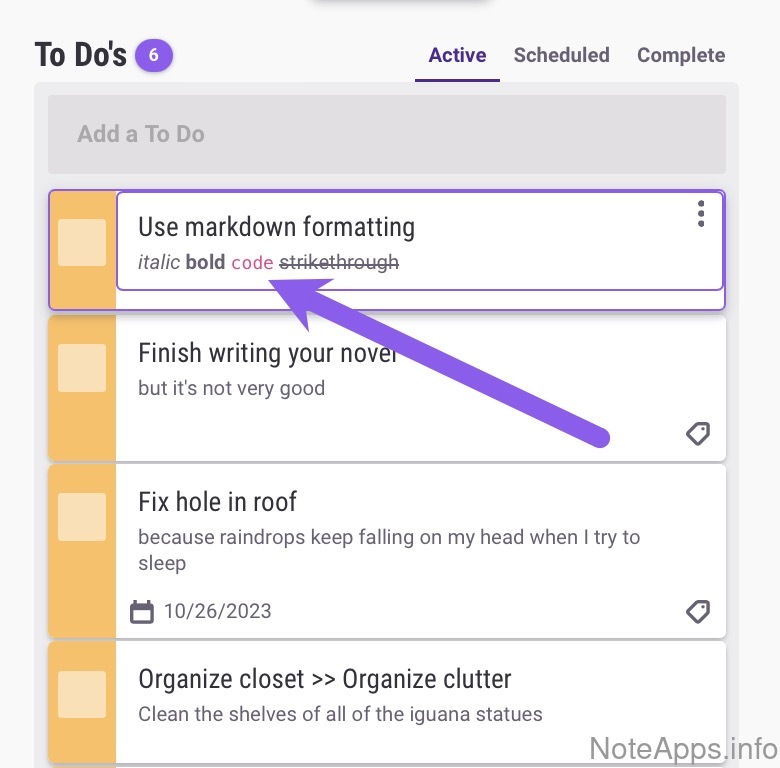
Habitica: Code screenshot
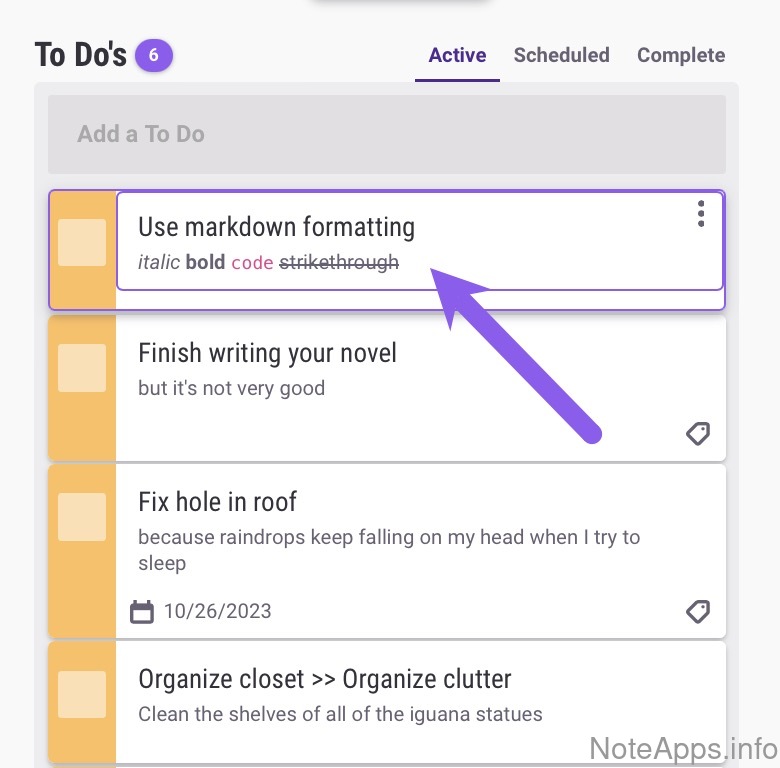
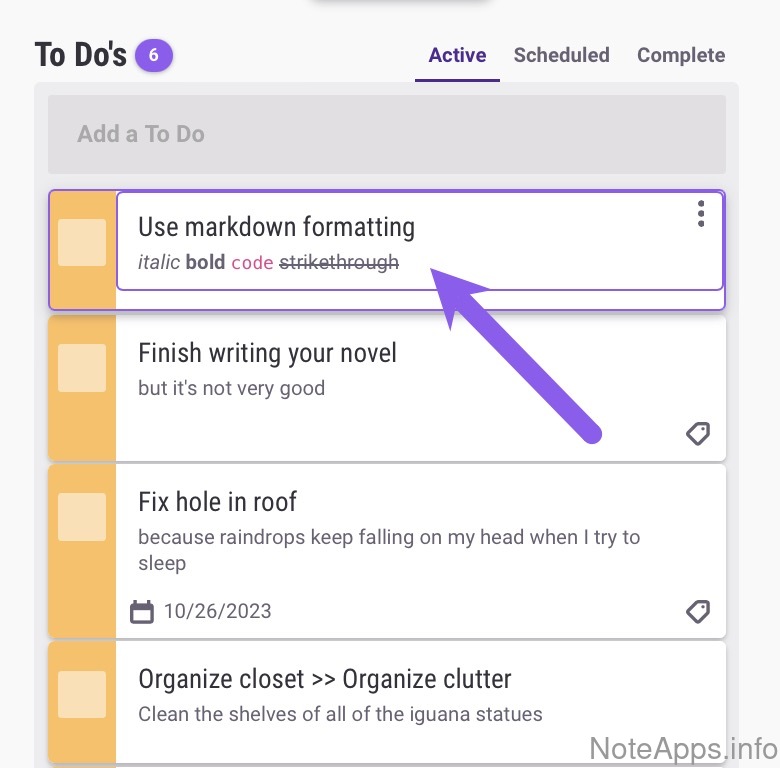
Code
Format the text as source code
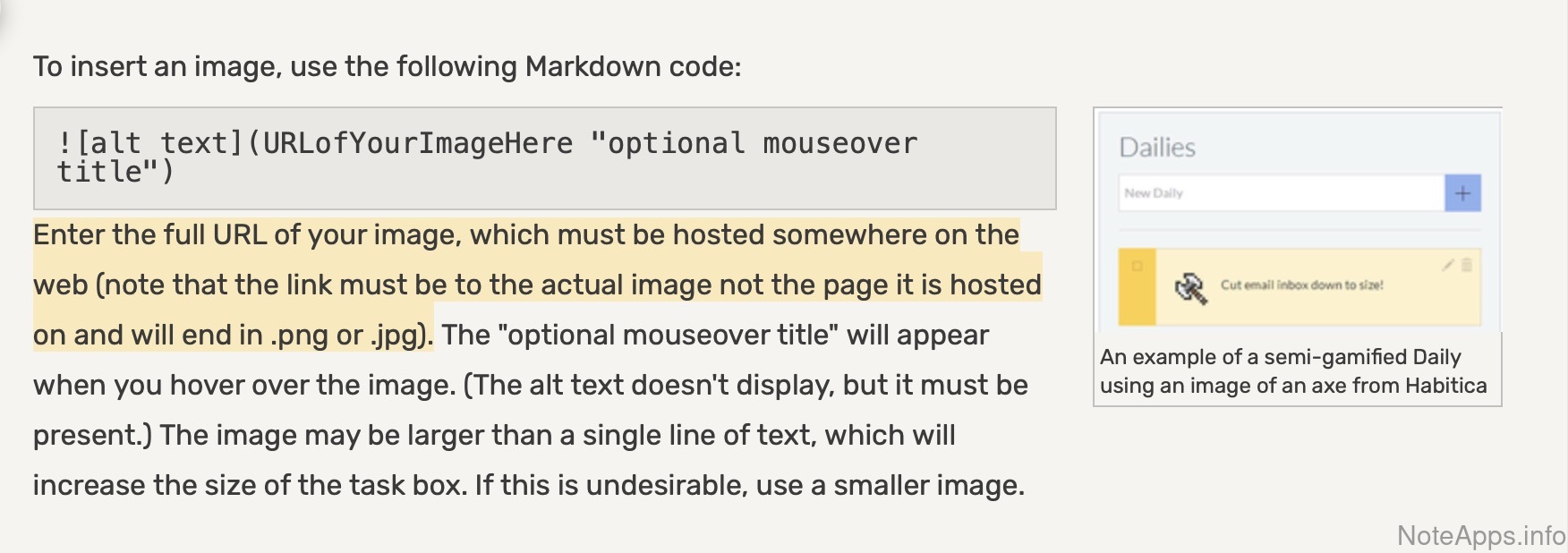
Habitica: Images screenshot
Images
Viewable image files (jpg, png, etc.) can be included within a task
Read provider description
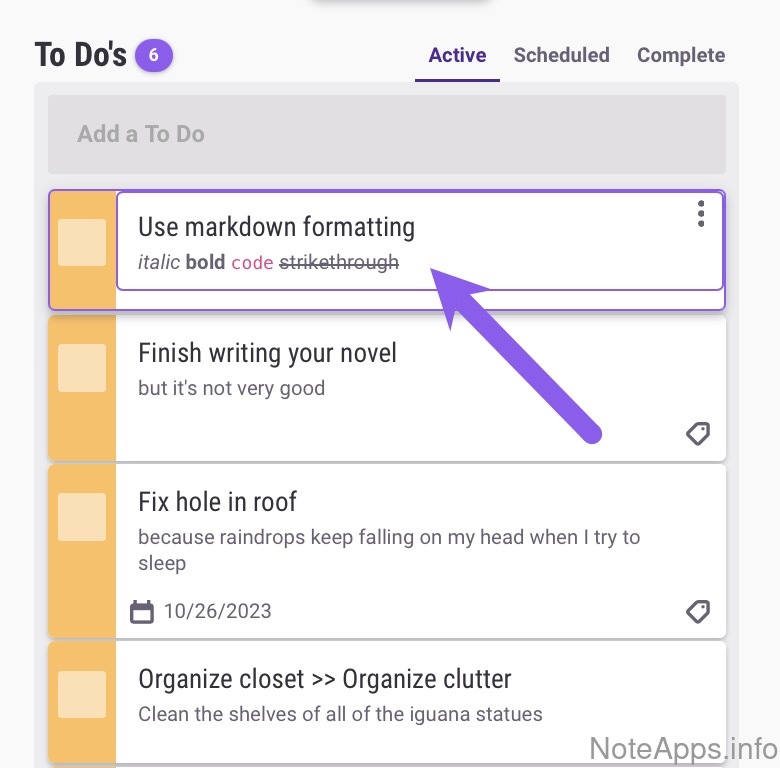
Habitica: Italic screenshot
Italic
A formatting text style that slants the letters evenly to the right
Habitica: Literal screenshot
Literal
A monospace font with its own background color can be invoked without breaking a line. Sometimes referred to as "inline code"
Habitica: Strikethrough screenshot
Strikethrough
a line can be placed through a word or sentence
Batch complete
Multiple non-nested sibling tasks can be selected to mark done together
Code =>
Syntax highlighting
Apply visual styles (like colors or font styles) to the code
Colored text
Excluding text that gets colored as a side effect of some other formatting feature listed (e.g., highlight)
Drawing/handwriting
App provides a built-in means by which to capture user drawings, sketches, or handwriting
Drawing/handwriting =>
Handwriting to text
Drawn content from within the app can be translated into text
Font size
Different font sizes be used
Footnotes
Text or images can be linked from a particular string of text in the note (not just URLs)
Highlight
Selected text can show a colored background
Images =>
Can be cropped
The task app provides editing tools that allow an image to be cropped (e.g., to remove the left half of it)
Images =>
Can be resized
The task app allows the edges of the picture to get dragged so it becomes larger or smaller
Images =>
OCR image text in full text search
Words in the image are added to full text search, so the note will show up in search results that contain a word from within the image
LaTeX/KaTeX
Tex extensions commonly used for expressing mathematics
Nesting/Sub-tasks
Child tasks can be defined such that completing or hiding the parent task applies that same operation to all child tasks
Nesting/Sub-tasks =>
Collapsible
It's possible to "fold" or "contract" a group of tasks so that sub-tasks are hidden
Nesting/Sub-tasks =>
Draggable
Groups of task hierarchies can be dragged from one location to another
PDF documents
Tasks can include a linked Adobe PDF document
Selection formatting menu
A compact, inline formatting bar which remains hidden until text is highlighted
Snooze
A task can be hidden from a list for a configurable duration of time
Snooze =>
Via Keyboard
A task can be hidden from view for configurable time without leaving the keyboard
Tables
Content can be placed in a grid of table cells
Video
Playable videos can be included within a task
Integrations/Extensibility
Compare to others
What features does the task provider offer in terms of third-party integrations and utilities adjacent to the task content itself?
Create a task from Slack
Create a task from email
Share from Android
A task can be created via the "Share" extension on Android
Share from iOS
A task can be created via the "Share" extension on iOS
Mobile & Tablet
Compare to others
Features specific to the mobile experience
Habitica: "Task view" widget (Android) screenshot
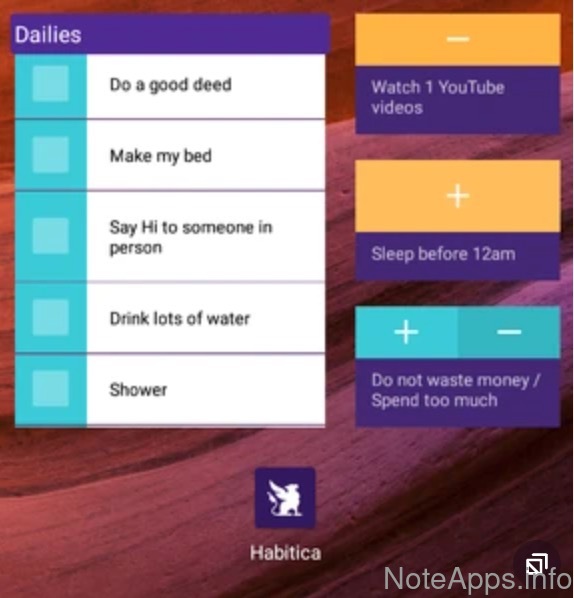
"Task view" widget (Android)
Task content can be viewed from outside the app via native Android widget
Read provider description
"Task view" widget (iOS)
Task content can be viewed from outside the app via native iOS widget
Share Content (Android)
When picking the "Share with..." option from an Android app, the app exposes a means for sending content to the app
Share Content (iOS)
When picking the "Share with..." option from an iOS app, the app exposes a means for sending content to the app
Platforms
Compare to others
Which platforms are officially supported?
Habitica: Android screenshot
Android
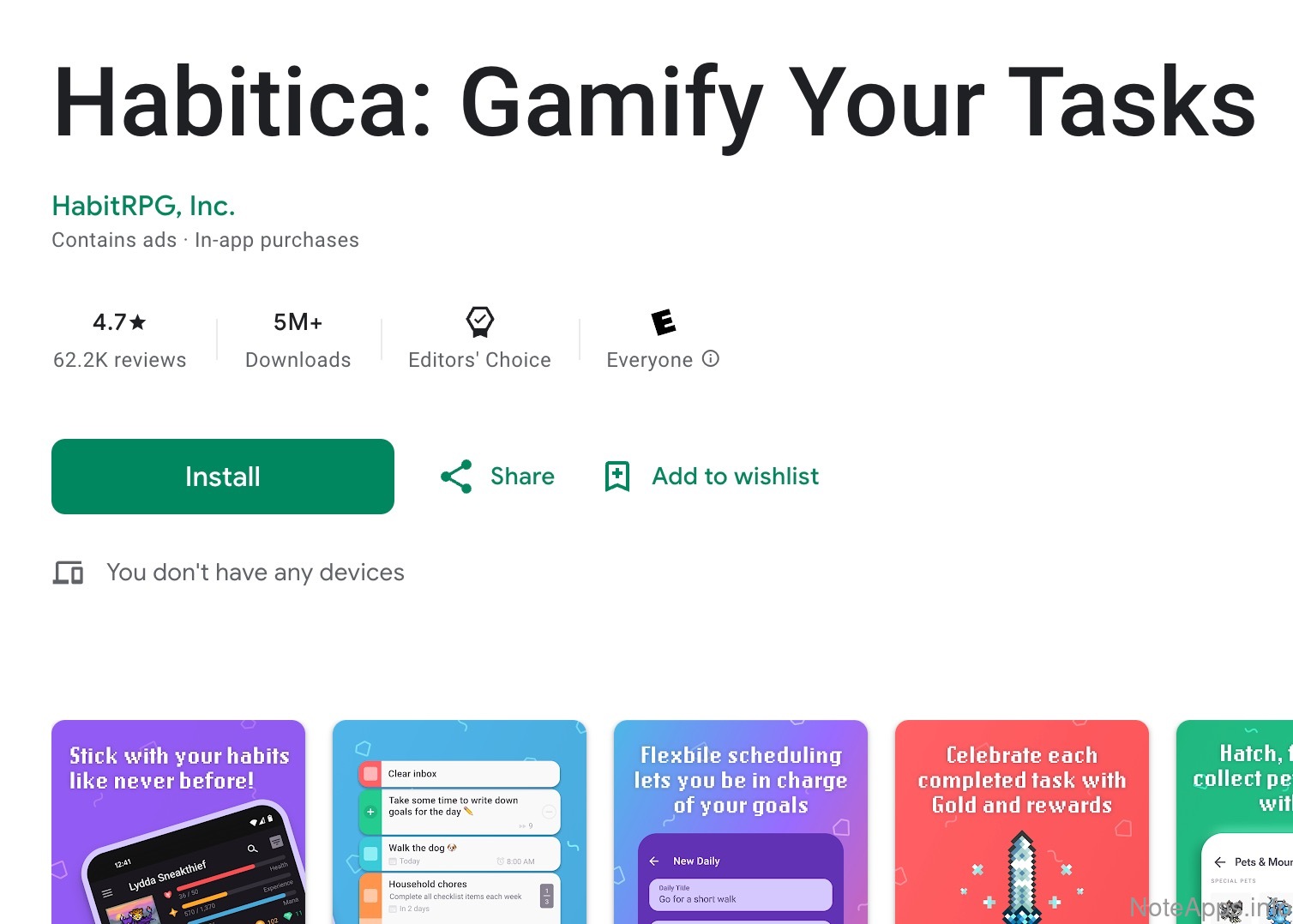
There is an Android app available for download in the Play store
Read provider description
Habitica: Web screenshot
Web
App is available via web browser
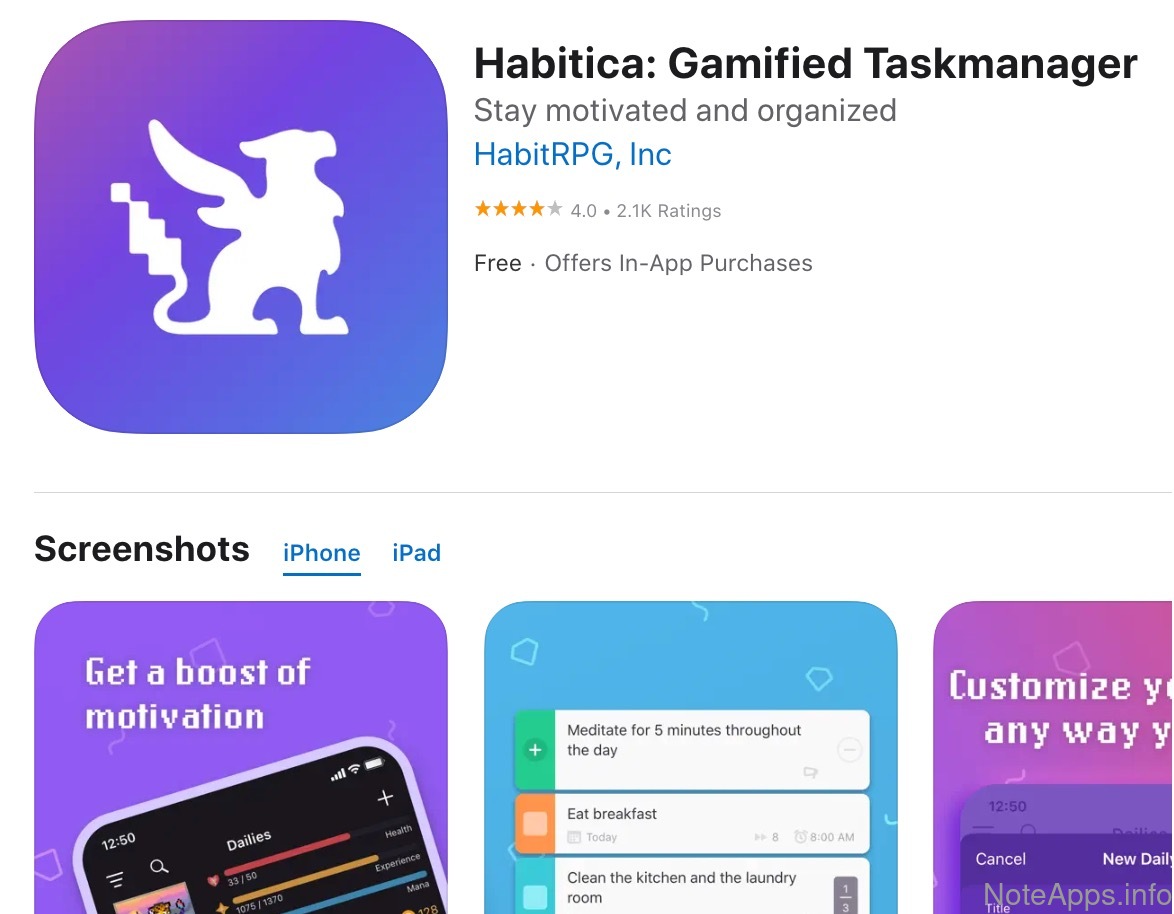
Habitica: iOS screenshot
iOS
There is an iOS app available for download in the App Store
Read provider description
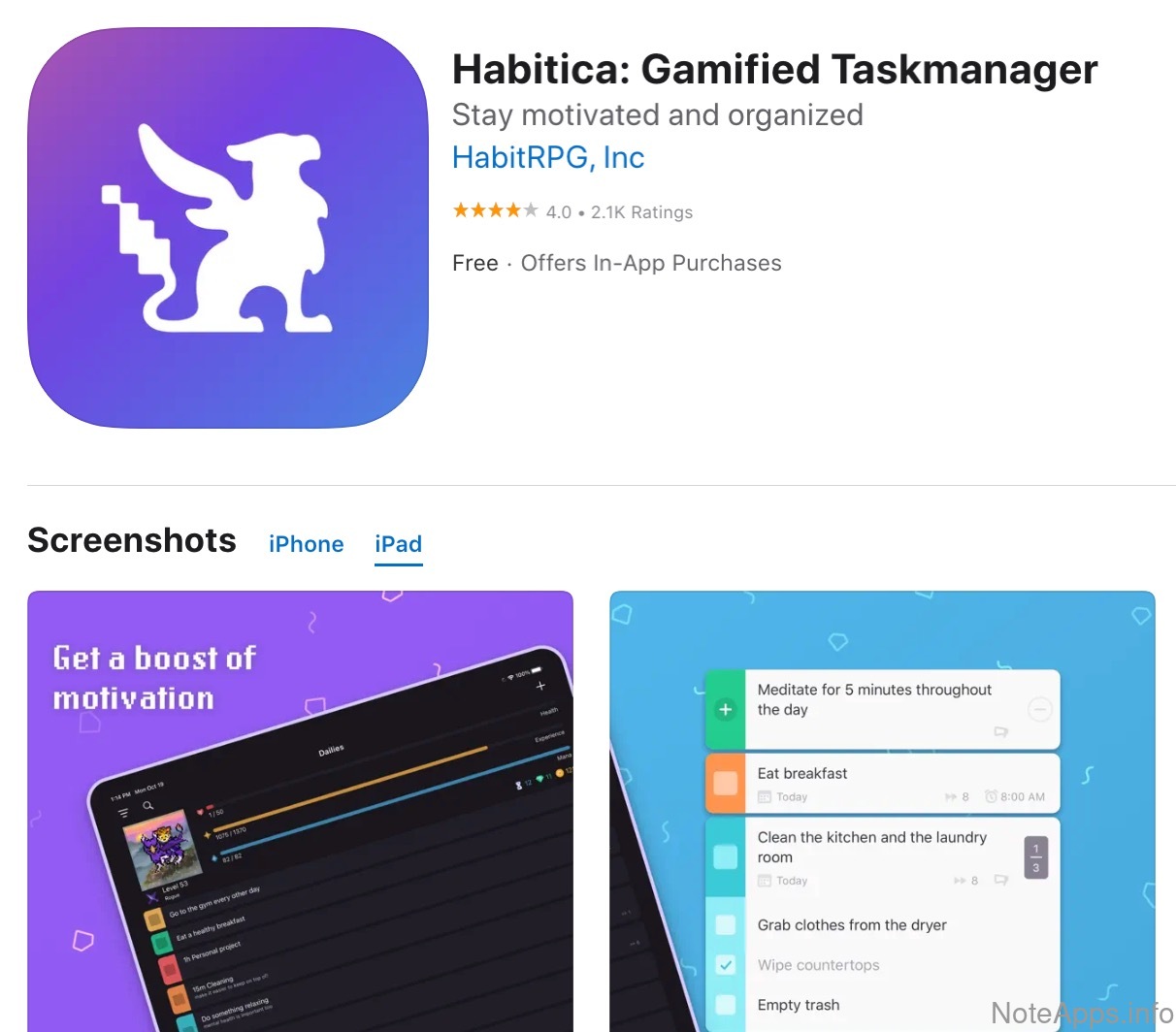
Habitica: iOS => iPad native app screenshot
iOS =>
iPad native app
An iPad app (separate from iOS app) has been published to App Store
Read provider description
Linux
Includes web apps that can be installed via official PWA or Electron
Windows
Includes web apps that can be installed via PWA or Electron
Windows =>
Native app
An installable app is available that isn't a Progressive Web App or thin Electron wrapper
macOS
Includes web apps that can be installed via PWA or Electron
macOS =>
Native app
An installable app is available that isn't a Progressive Web App or thin Electron wrapper
Prioritization
Compare to others
What options exist to control which tasks are deemed most consequential?
Habitica: Important screenshot
Important
Tasks can be marked as "Important"
Automatic sort
A set of heuristics is available to reorder tasks en masse
Connected priority tasks
It's possible to designate that a task should receive greater priority until a chosen task is complete (i.e., a goal task that auto-adds priority to another task that implements the goal)
Numeric priority
Tasks can have a number assigned to them to dictate their relative priority
Priority coloring
User can assign a color to tasks to indicate chosen priority
Urgent or starred
Tasks can be marked as "Urgent" or starred
Recurrence
Compare to others
What options exist for making tasks repeat?
Habitica: Completion count screenshot
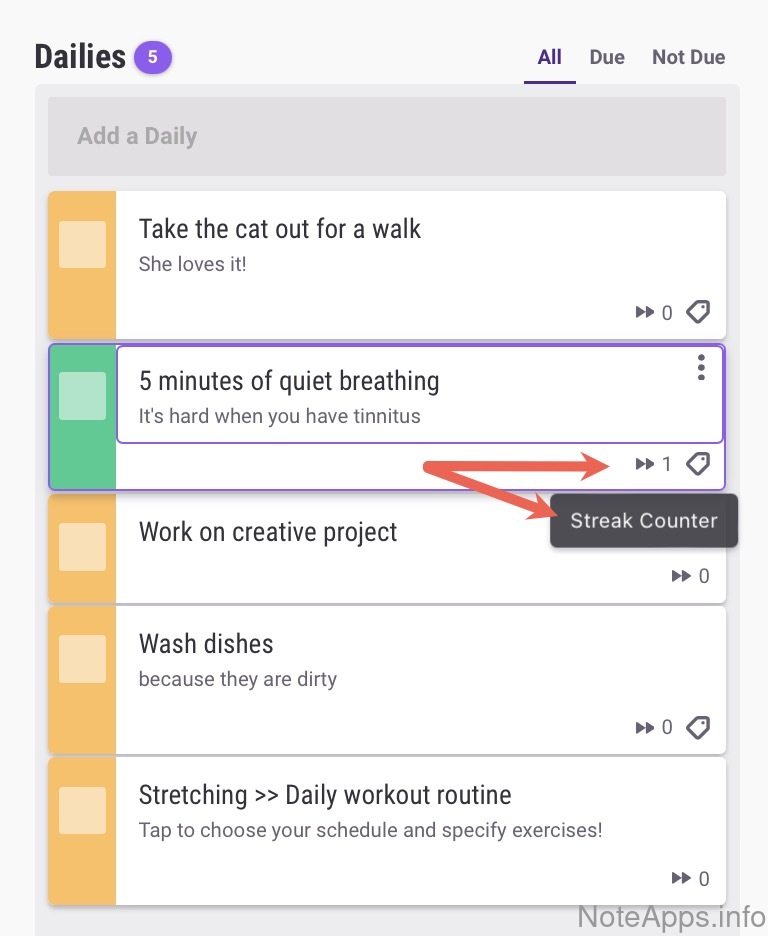
Completion count
How many times a recurring task has been marked complete is visible
Habitica: Fixed screenshot
Fixed
Set tasks to repeat on a daily, weekly, or monthly basis
Habitica: Fixed => Daily, weekly, monthly, yearly screenshot
Fixed =>
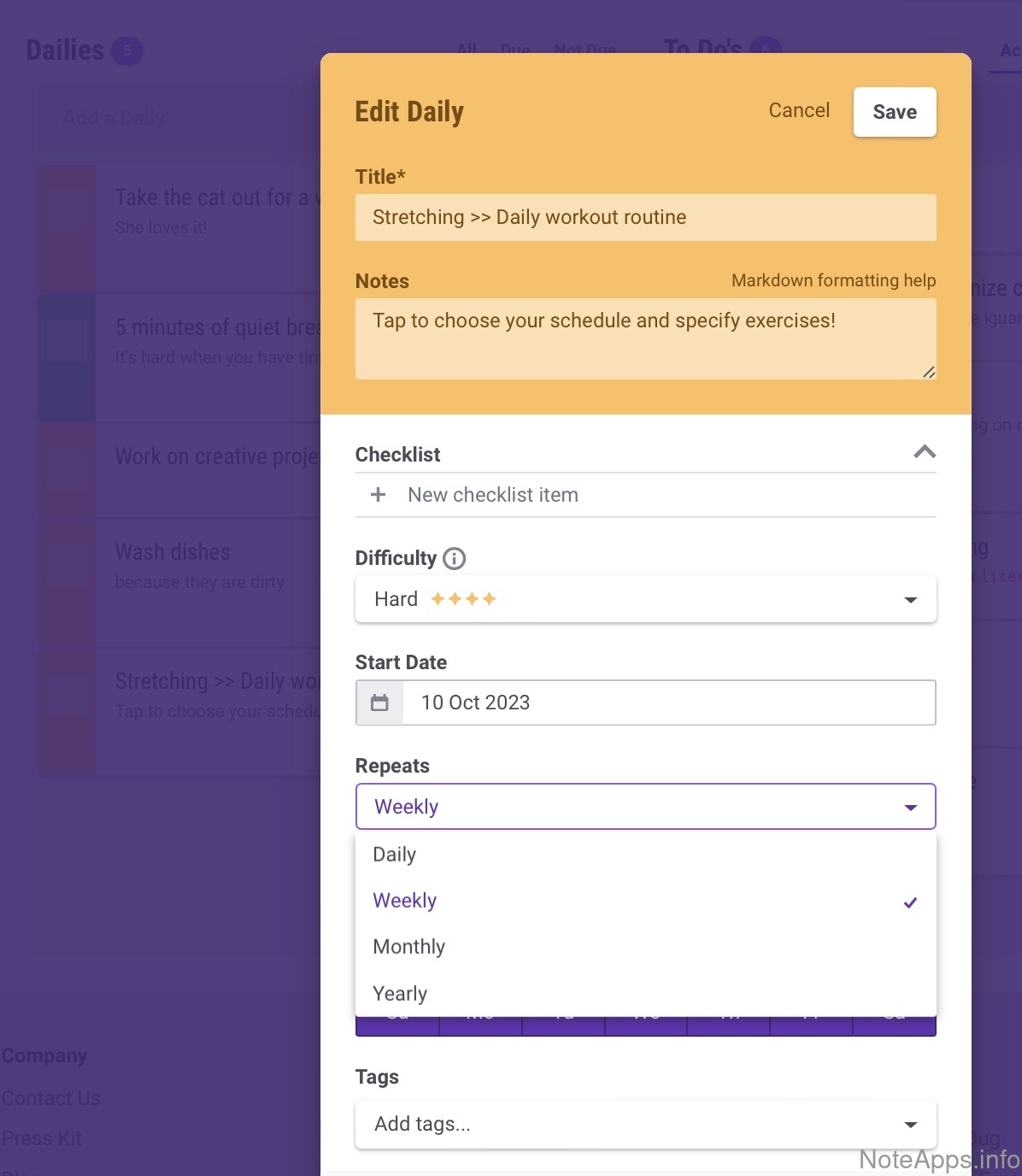
Daily, weekly, monthly, yearly
Fixed task can be scheduled to recur once per day, week, month or year
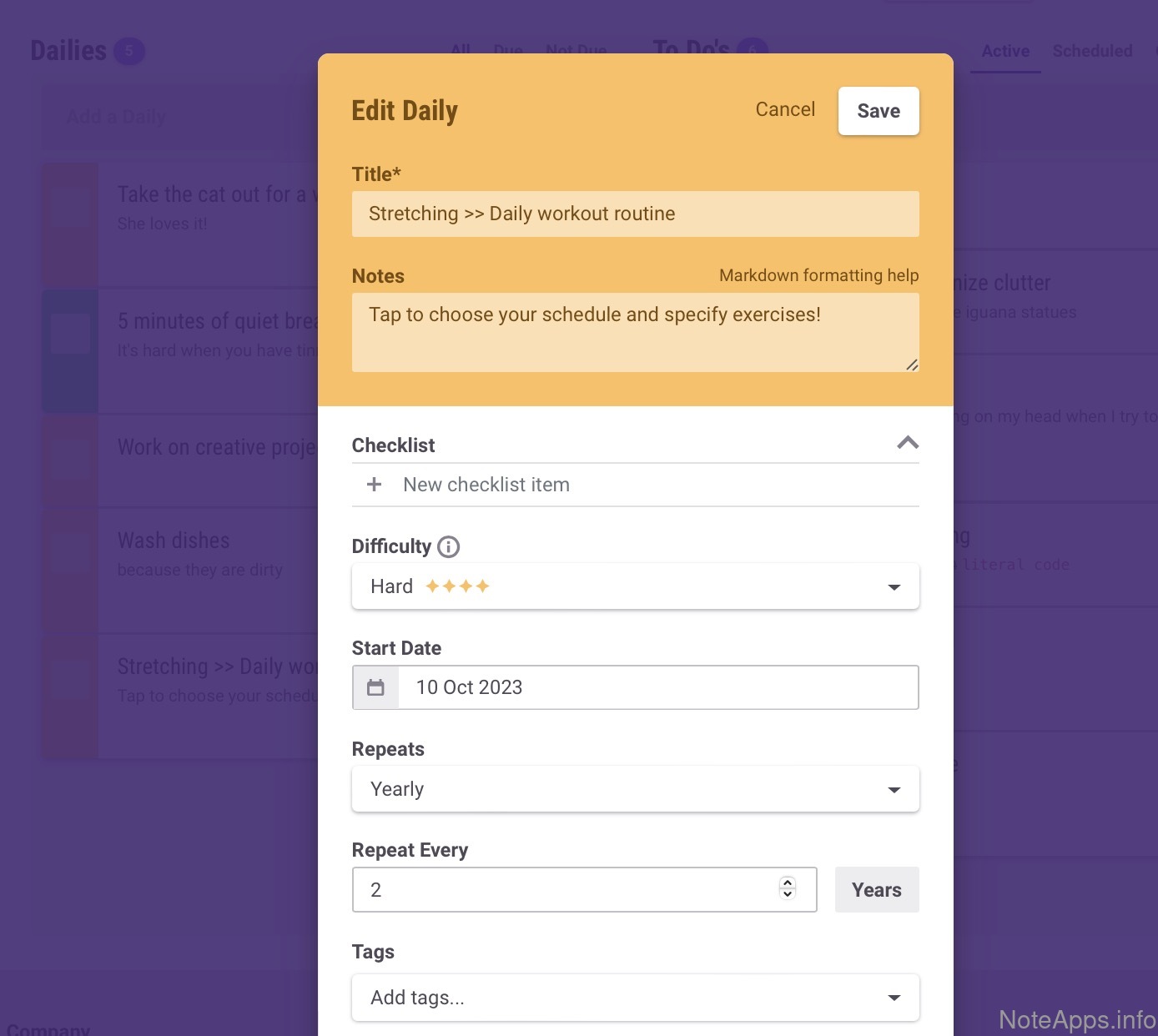
Habitica: Fixed => Every N day, week, month or year screenshot
Fixed =>
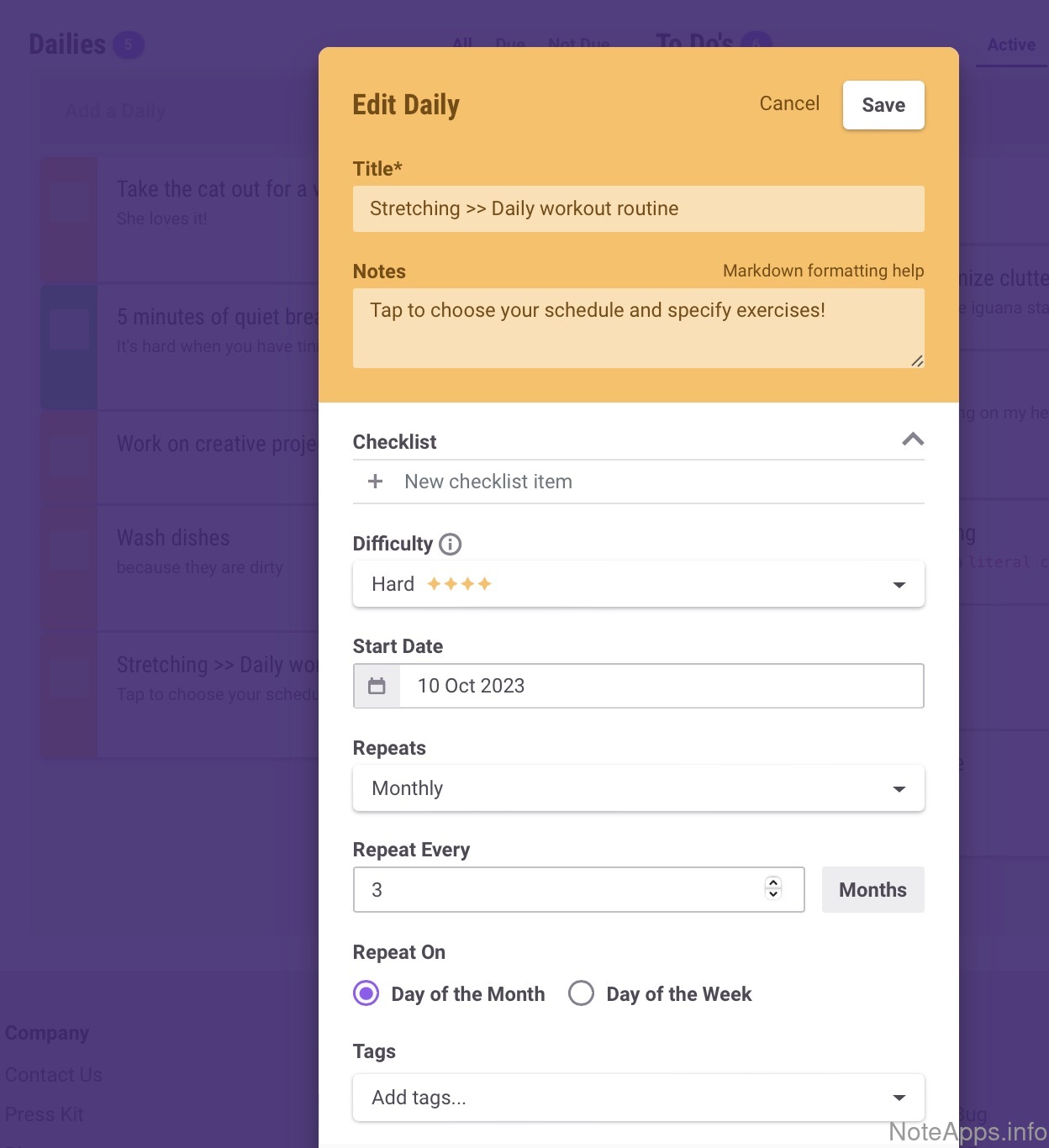
Every N day, week, month or year
Fixed task can be scheduled to recur every 3rd or 5th day, week, month, or year
Habitica: Fixed => Every other day, week, month or year screenshot
Fixed =>
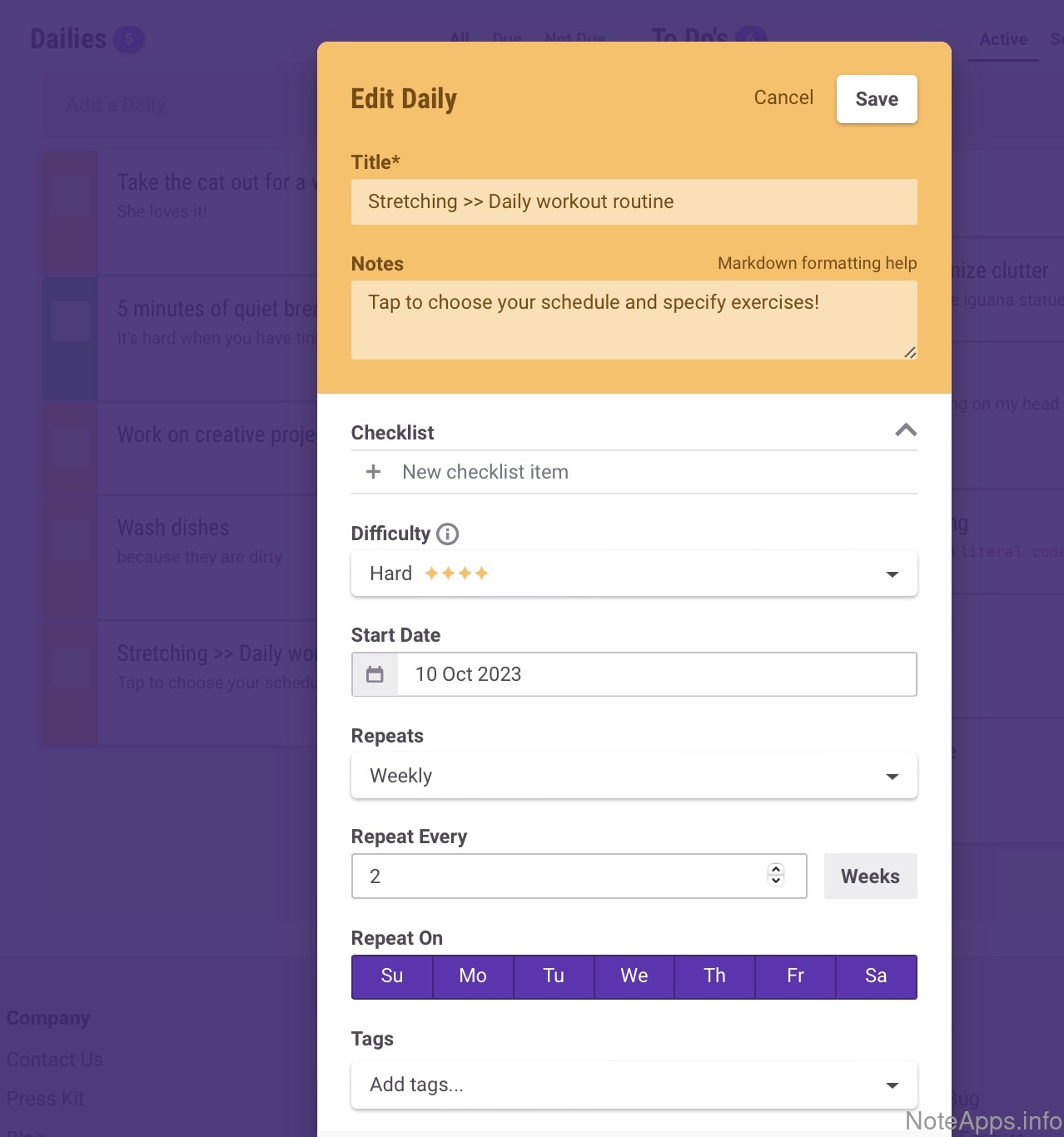
Every other day, week, month or year
Fixed task can be configured to recur every other day, week, month or year
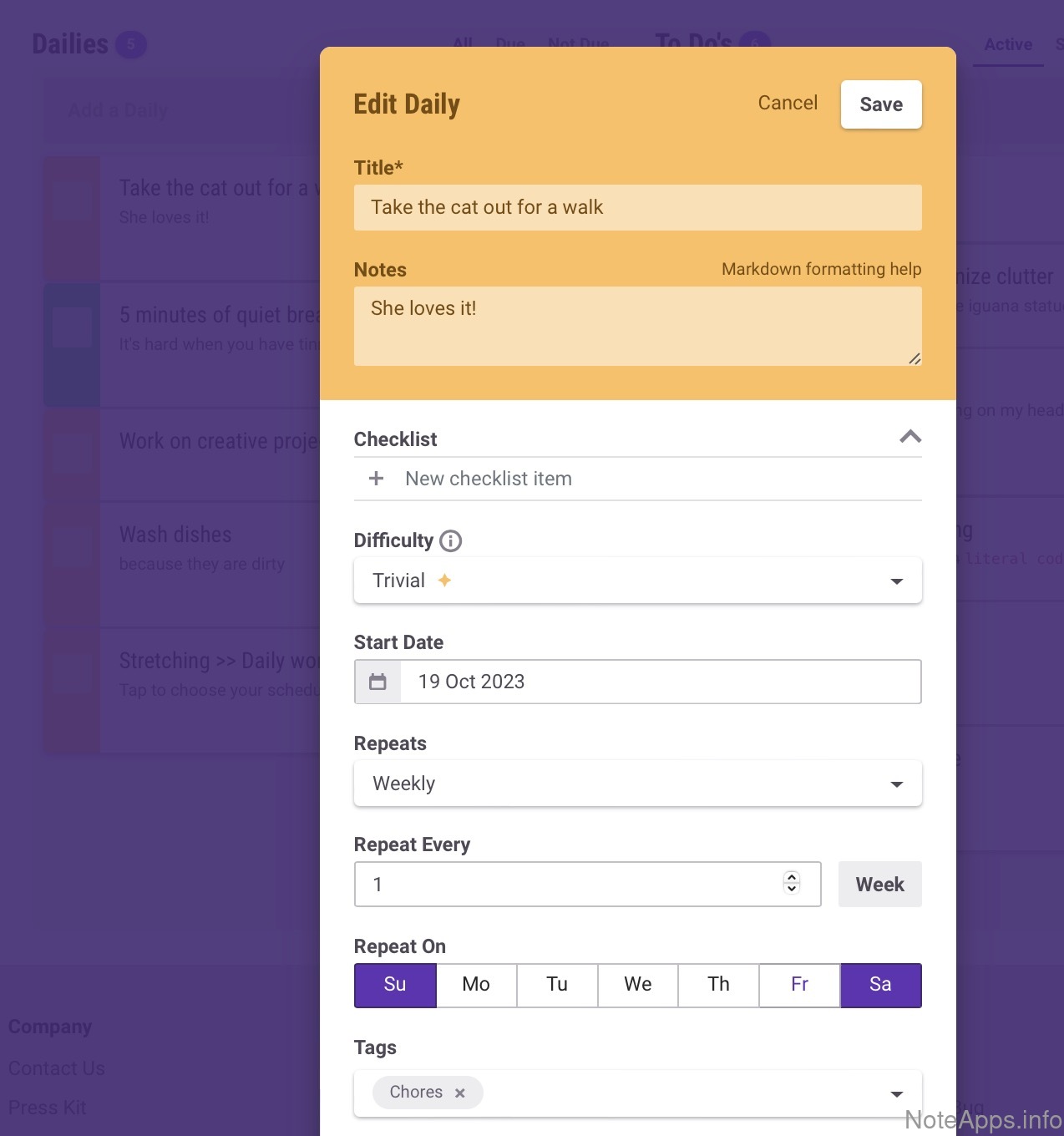
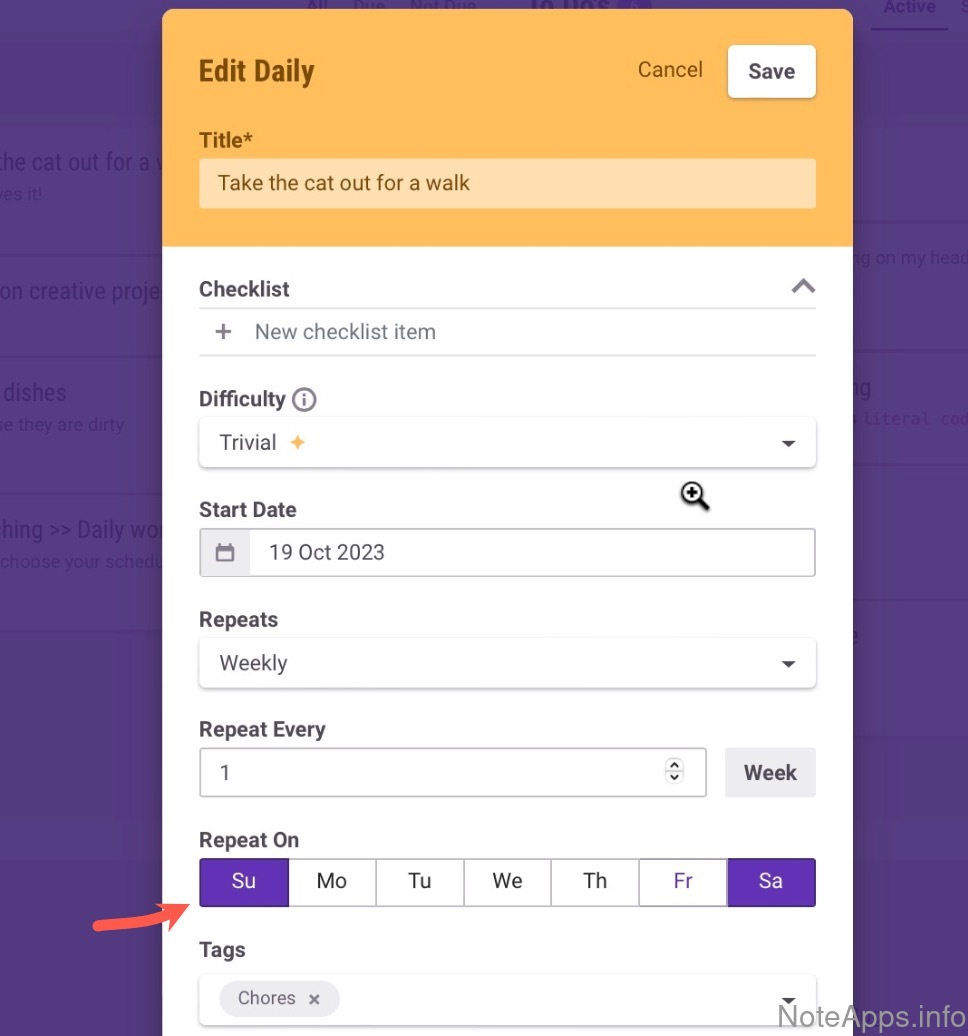
Habitica: Only weekdays (weekend avoidance) screenshot
Only weekdays (weekend avoidance)
Habitica: Only weekends screenshot
Only weekends
Configurable recurrent hiding
Possible to control how long before the next recurring instance the task will become visible
Natural language input
English like "every 3 days" can be used to control how frequently a task recurs
Relative/flexible
A task can recur every N time units after it was last marked complete
Scheduling
Compare to others
Options pertaining to how a task can be scheduled or "past due"
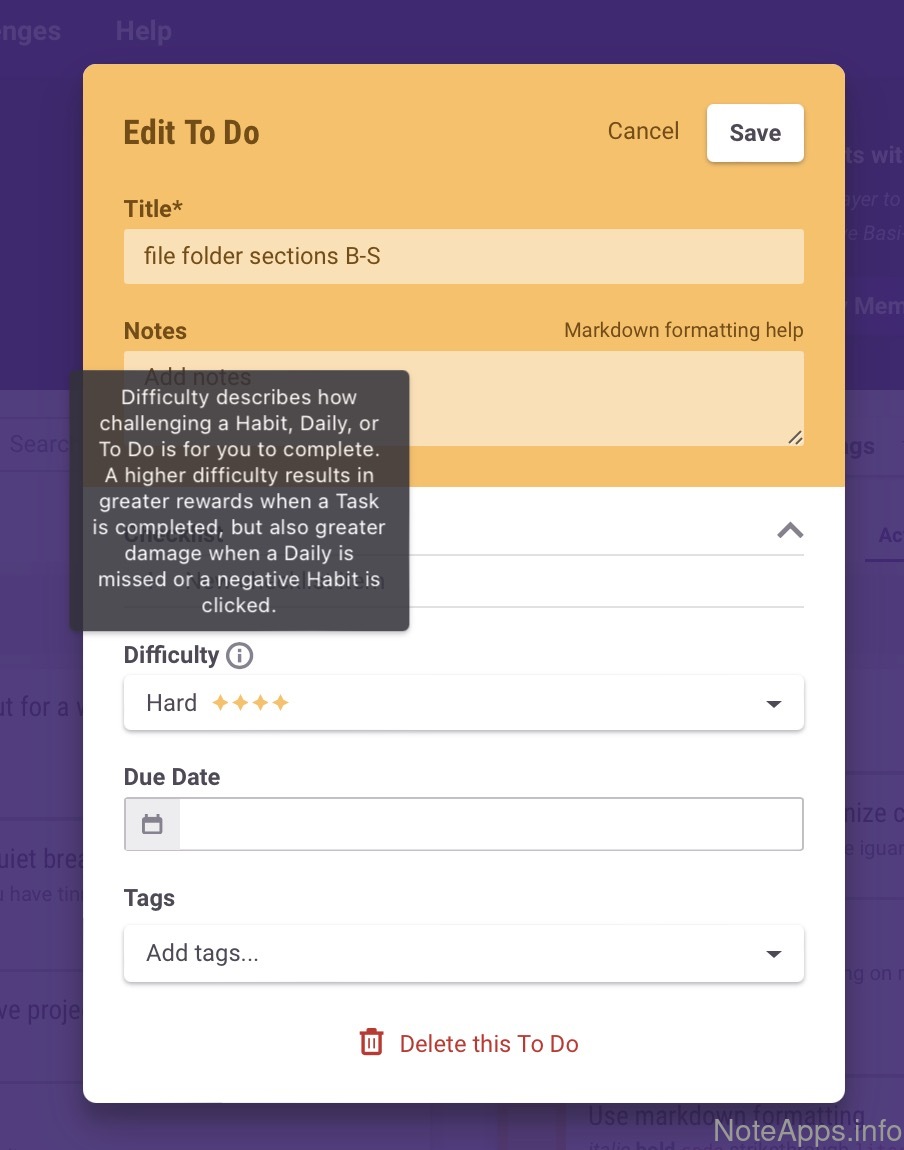
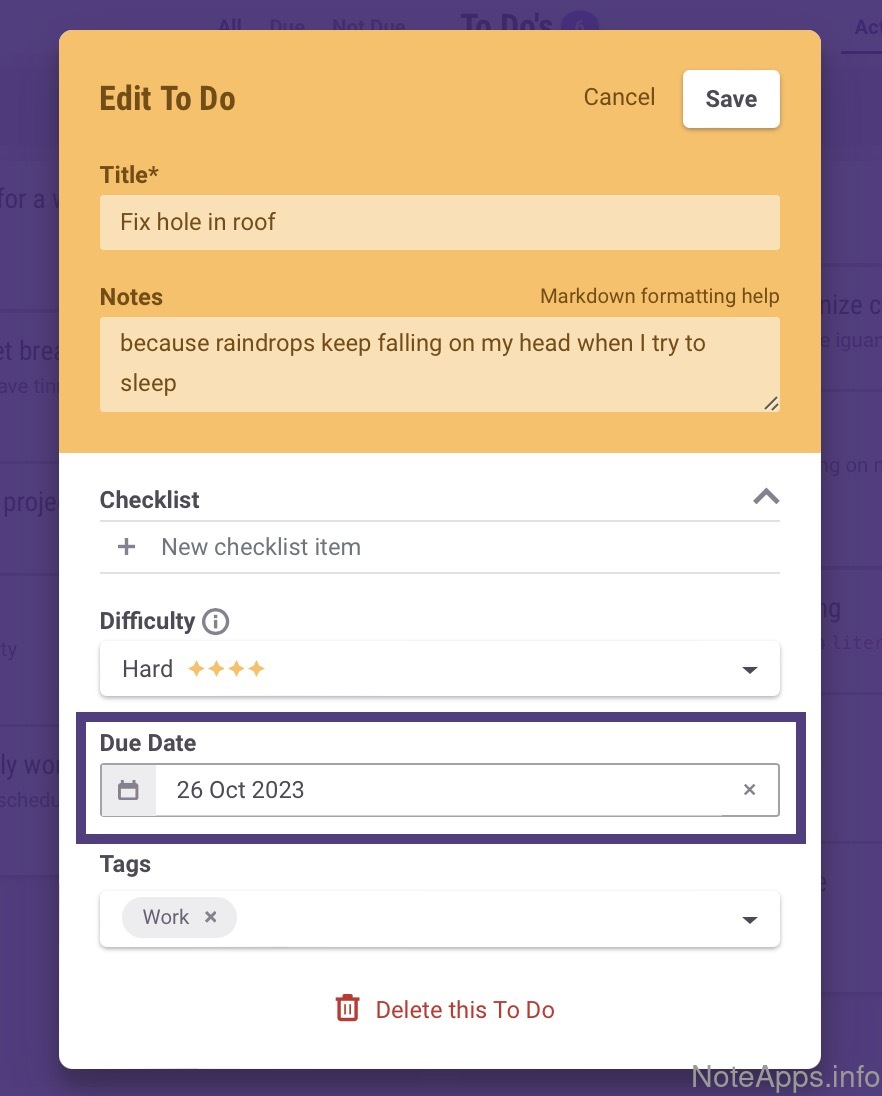
Habitica: Due date (aka "Start time") screenshot
Due date (aka "Start time")
A specific date and time at which a task is scheduled to be addressed
Habitica: Reminder screenshot
Reminder
A notification about an upcoming task can be toggled on/off
Read provider description
Batch reschedule
Multiple tasks can be rescheduled together
Keyboard scheduling
A task can be scheduled without using the mouse
Natural language input
A task can be scheduled using natural language, e.g., "starts next Monday at 7pm"
Reminder =>
Interval
User controls how long before task is scheduled the reminder should be shown
Separate "due date" and "start time"
The app offers separate control of when a task is due vs. when work on it is supposed to begin
Show all "past due"
a view that displays all overdue tasks
Time estimate / duration
Search/Navigation
Compare to others
What options are there for navigating around the app and finding the task you're after?
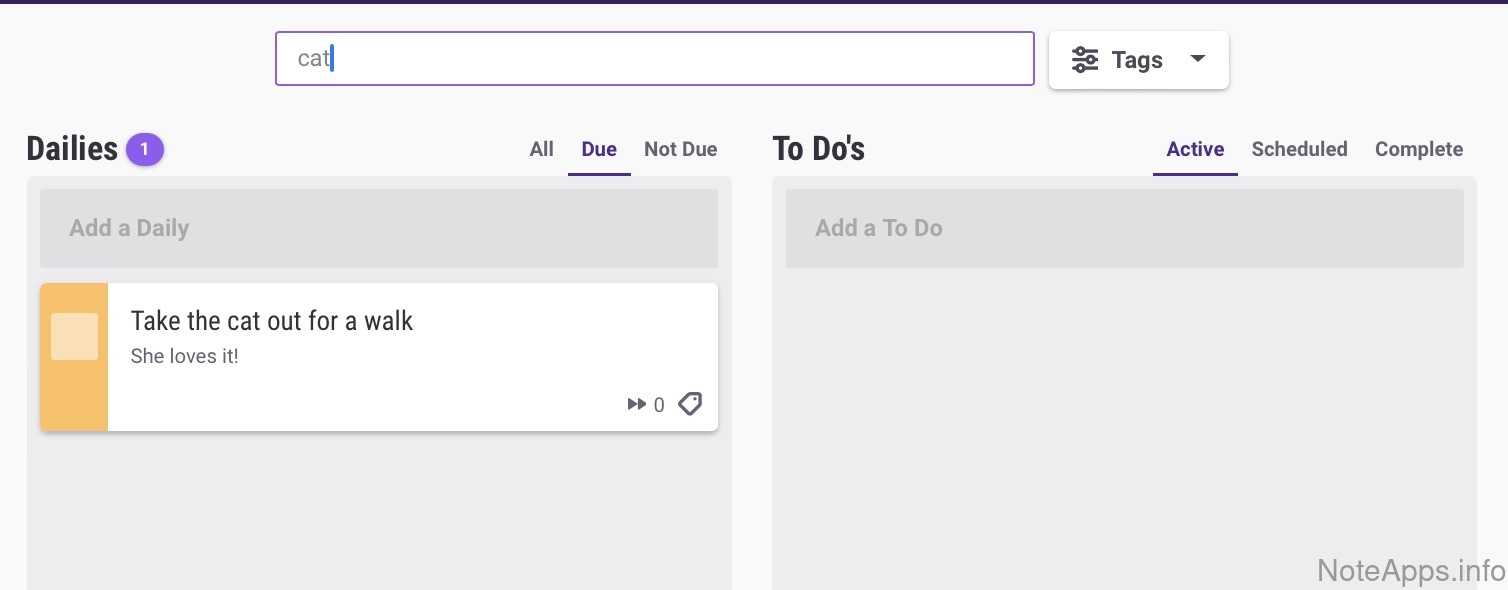
Habitica: Full-text search screenshot
Full-text search
A list of all tasks containing a word or phrase can be produced
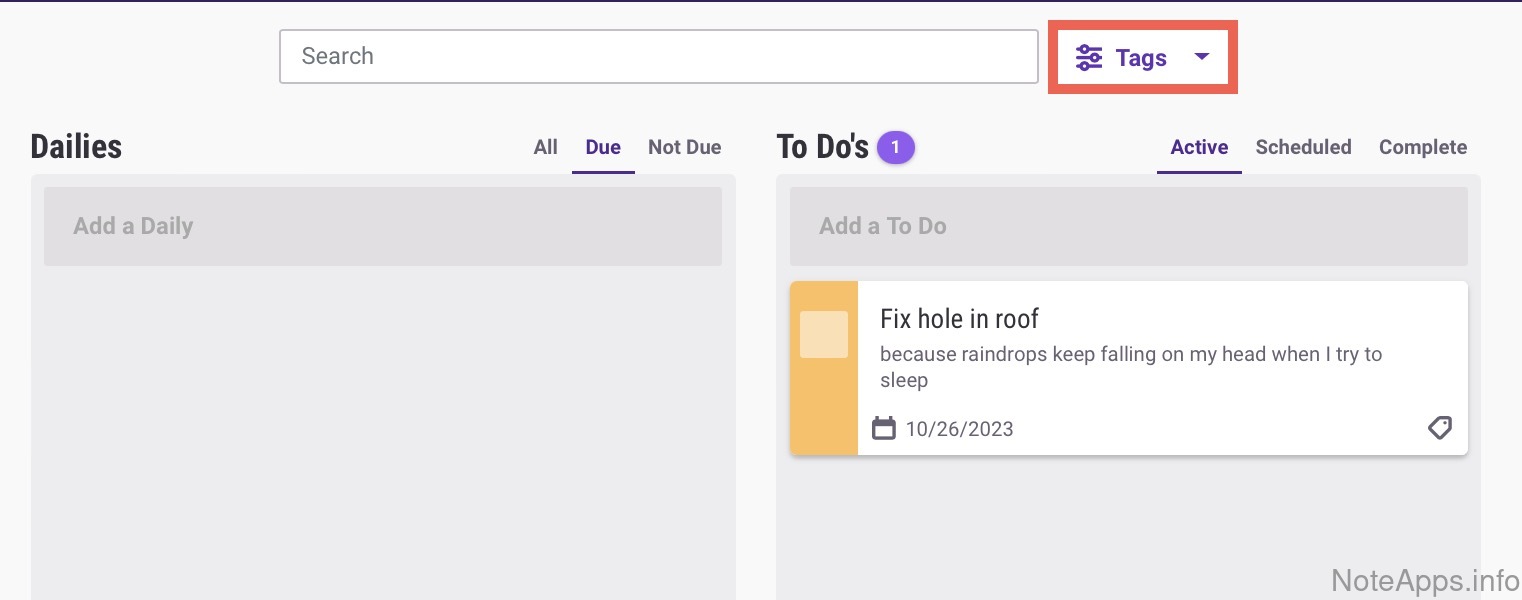
Habitica: Full-text search => Filter on hierarchy screenshot
Full-text search =>
Filter on hierarchy
The app’s organizational system (e.g., tags, folders) can be used as a filter for full-text search
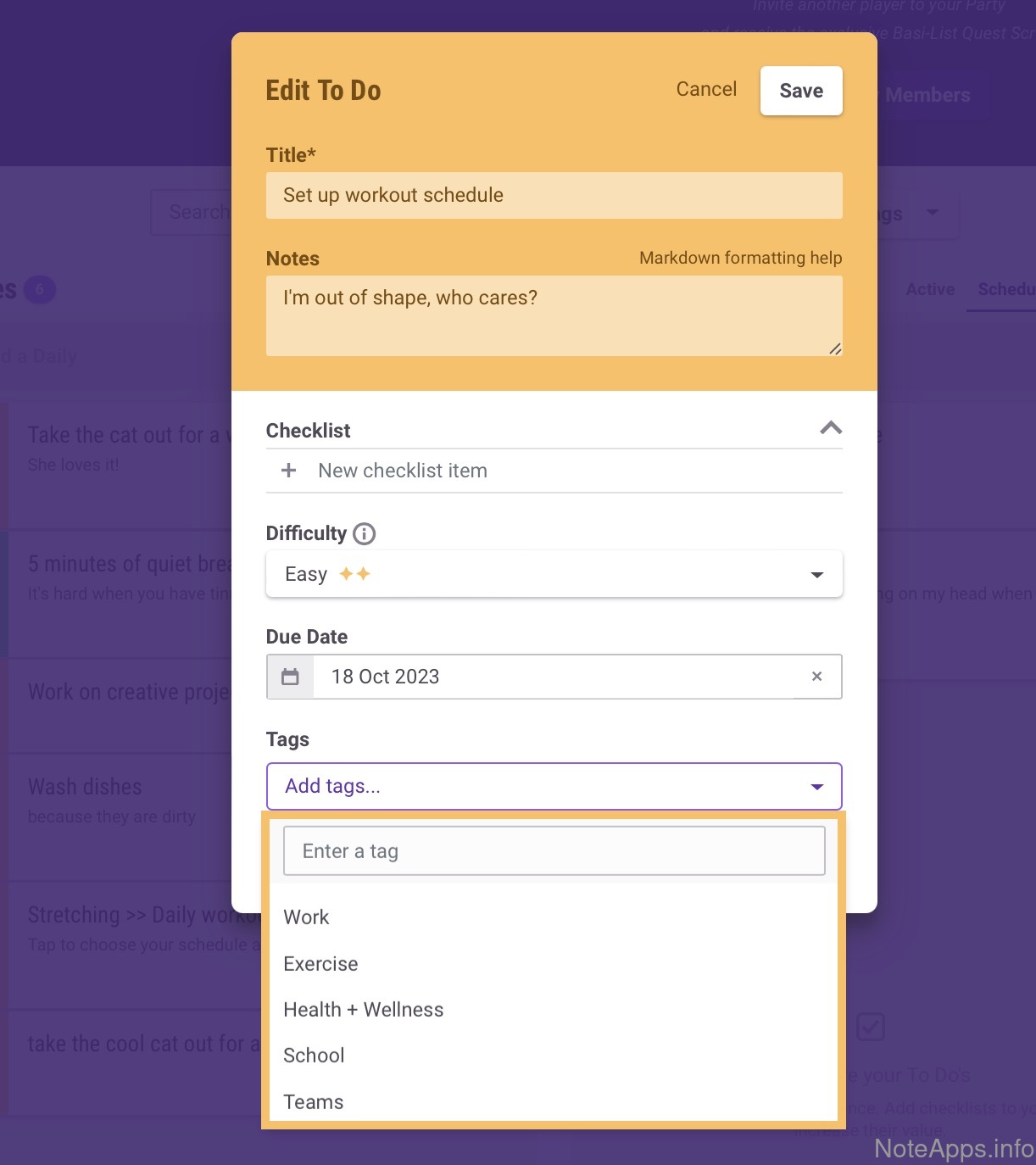
Habitica: Task organization hierarchy (tags, folders) screenshot
Task organization hierarchy (tags, folders)
The app provides a means by which to arrange notes such that they can be browsed through a tree structure (e.g., tags, folders)
Full-text search =>
Allow quoted/literal searches
Enclosing the search query with quote brackets, the results only show words from within those quotes
Full-text search =>
Filter on author
Search results can filter available collaborators of any shared note
Full-text search =>
Filter on date range
Search results contain notes only within a selected range
Full-text search =>
Negation
An operator can be used to exclude search results that match a specified term
Link to group
A task can be arranged such that a single click shows multiple associated tasks
Pin to top
A task can be affixed to the top of the task list
Shortcuts
Groups of tasks can be accessed from a dedicated "Shortcuts" or "Favorites" area within the app
Task linking
It is possible to link one task to another, such that a single click navigates between them
Sharing/Collaboration
Compare to others
What features exist to share notes with the world?
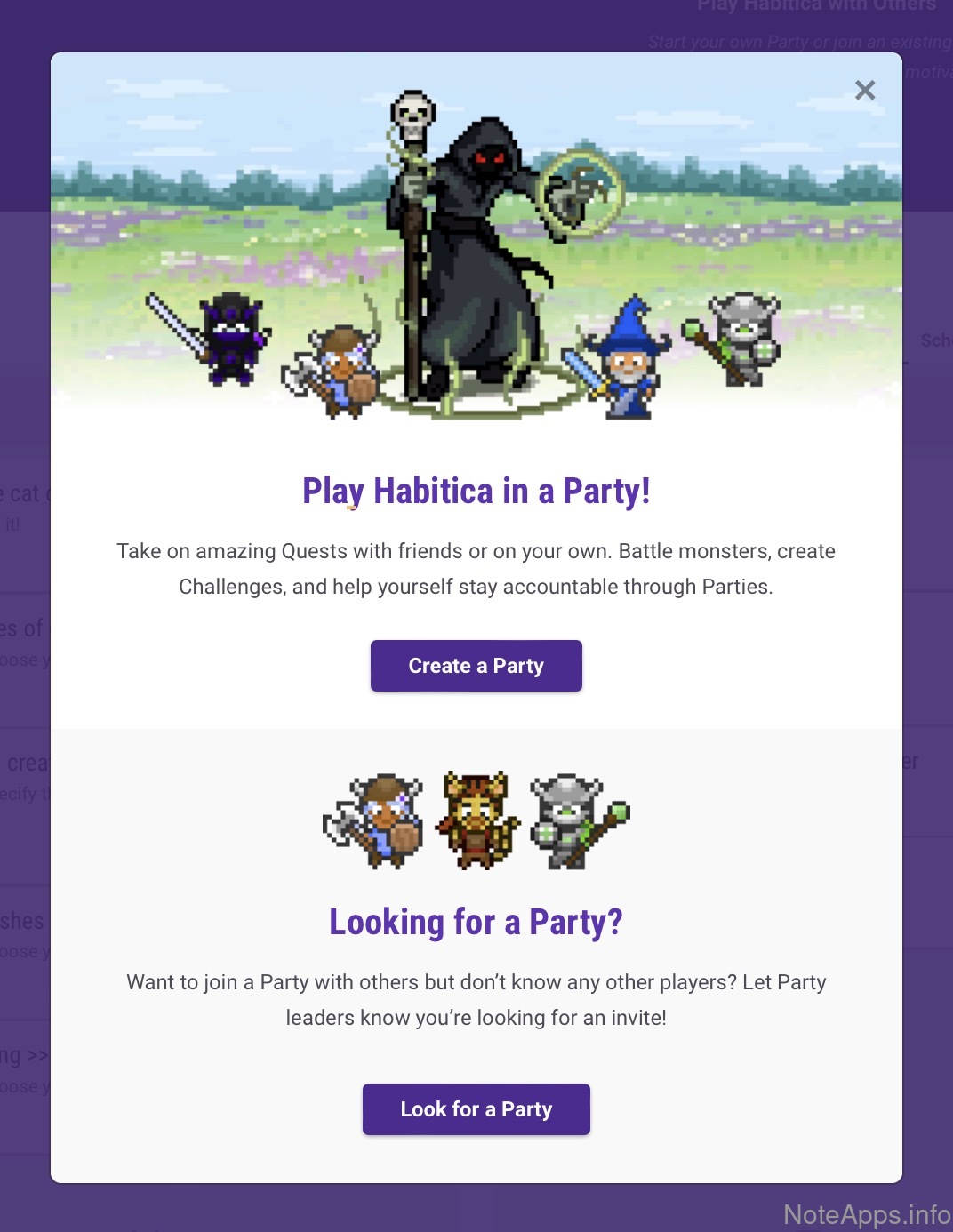
Habitica: Basic sharing screenshot
Basic sharing
A set of tasks can be made available to a second user via emailed invitation
Read provider description
Assignable
An option exists to designate who is expected to complete a task
Commenting
Users can leave a remark about a task
Publish to web
One or more tasks can be published to a URL

Did we miss something?‍

We are constantly working to make sure this page stays up-to-date with the features available in Habitica. If there is a feature you think we got wrong, send us the screenshot that proves it and we'll investigate.

Report a Habitica feature we got wrong

Every report lands on our public feature correction ledger, with your name on it and whatever we decide next to it, so you can hold us to the promise that we respond to all correction submissions within a few business days. Prefer email? [email protected] works too.

TaskApps.info

Company

  • About us
  • Blog
  • FAQ
  • Feature correction ledger
  • Report a feature we got wrong
  • X (Twitter)
  • YouTube

Legal

  • Privacy policy
  • Terms of service
©️ 2026 TaskApps.info. All rights reserved. All trademarks and logos property of respective companies.